Photos, promos, updates and business highlights
Short videos, promos, demos and updates
Products, services, offers and business highlights
Extra images and additional content blocks for your profile.
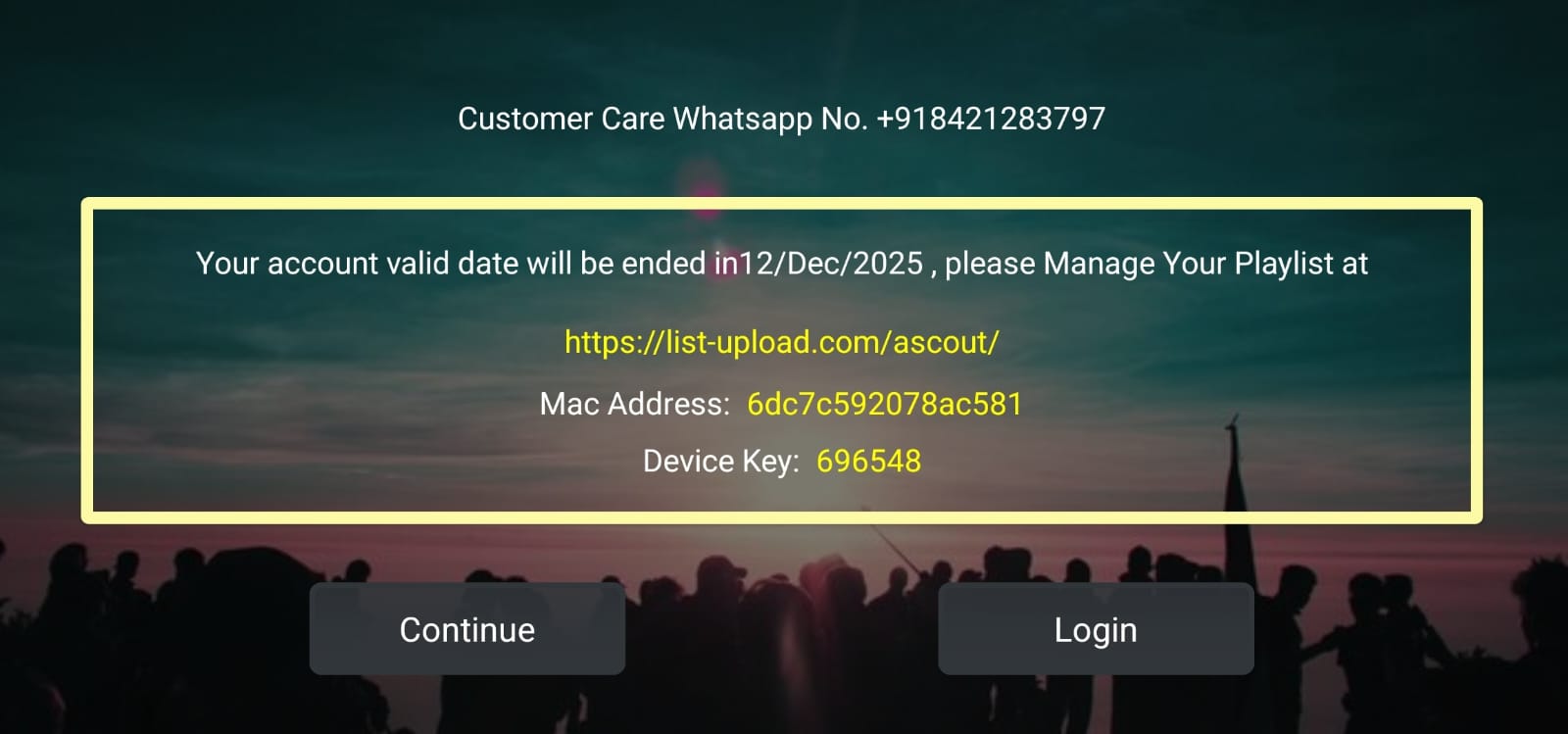
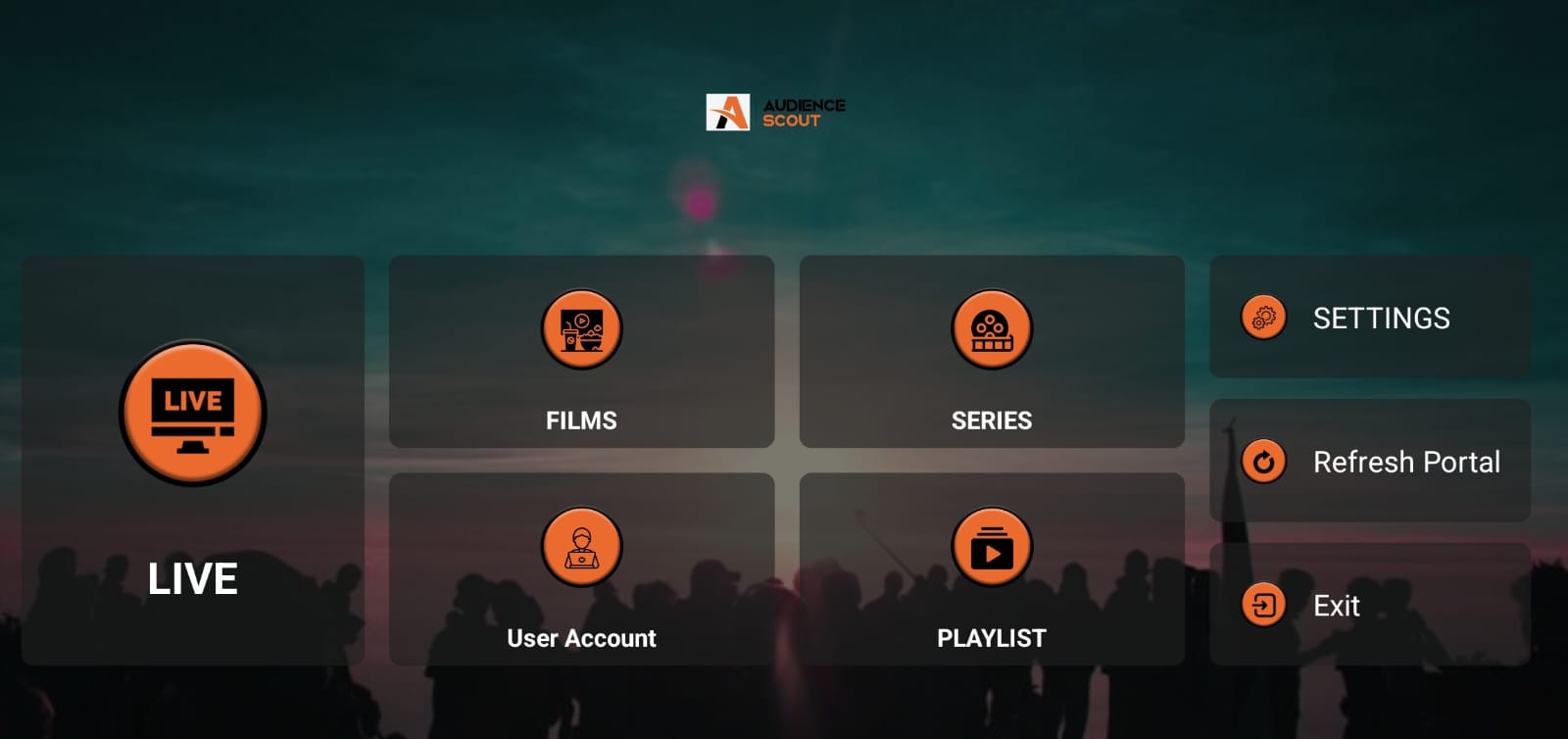
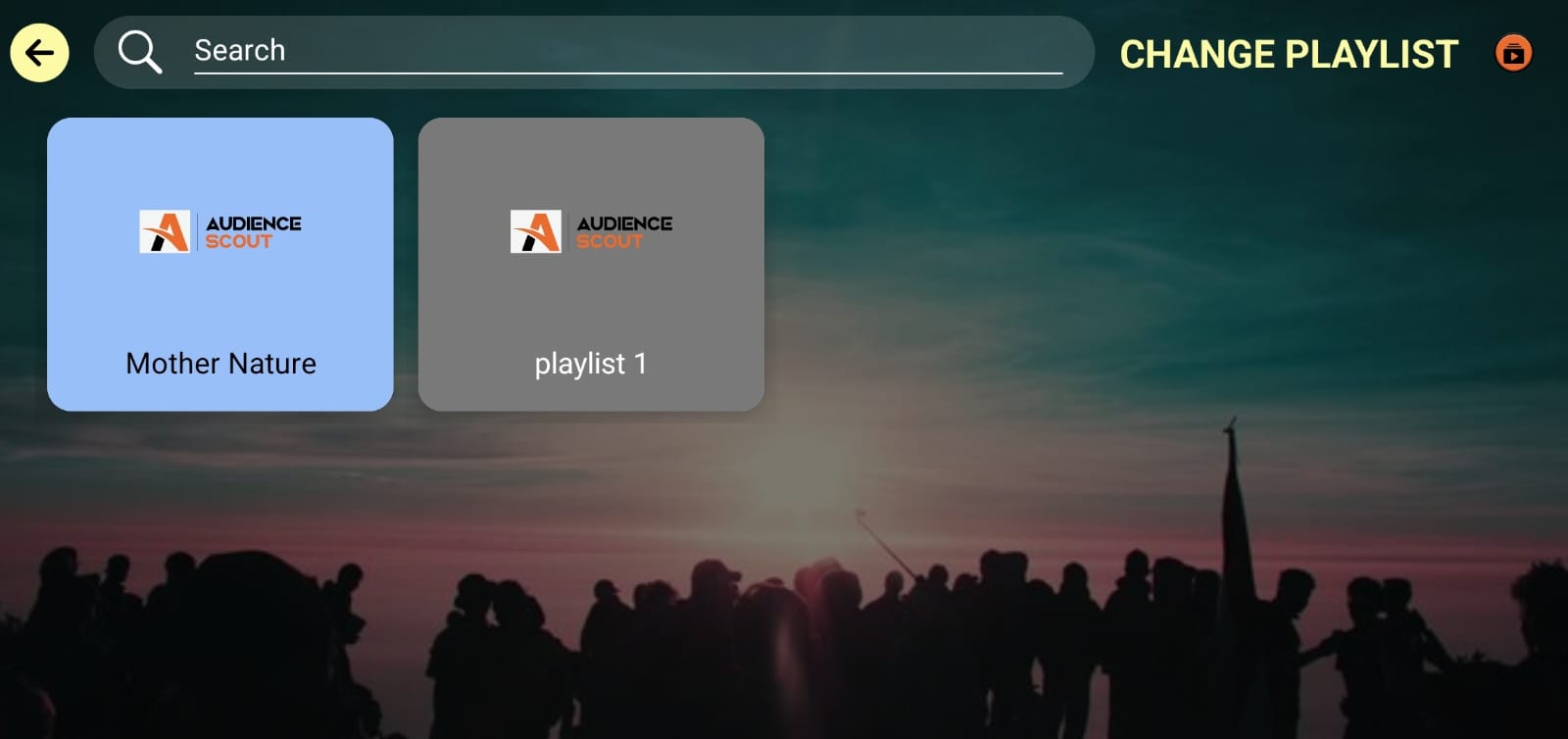
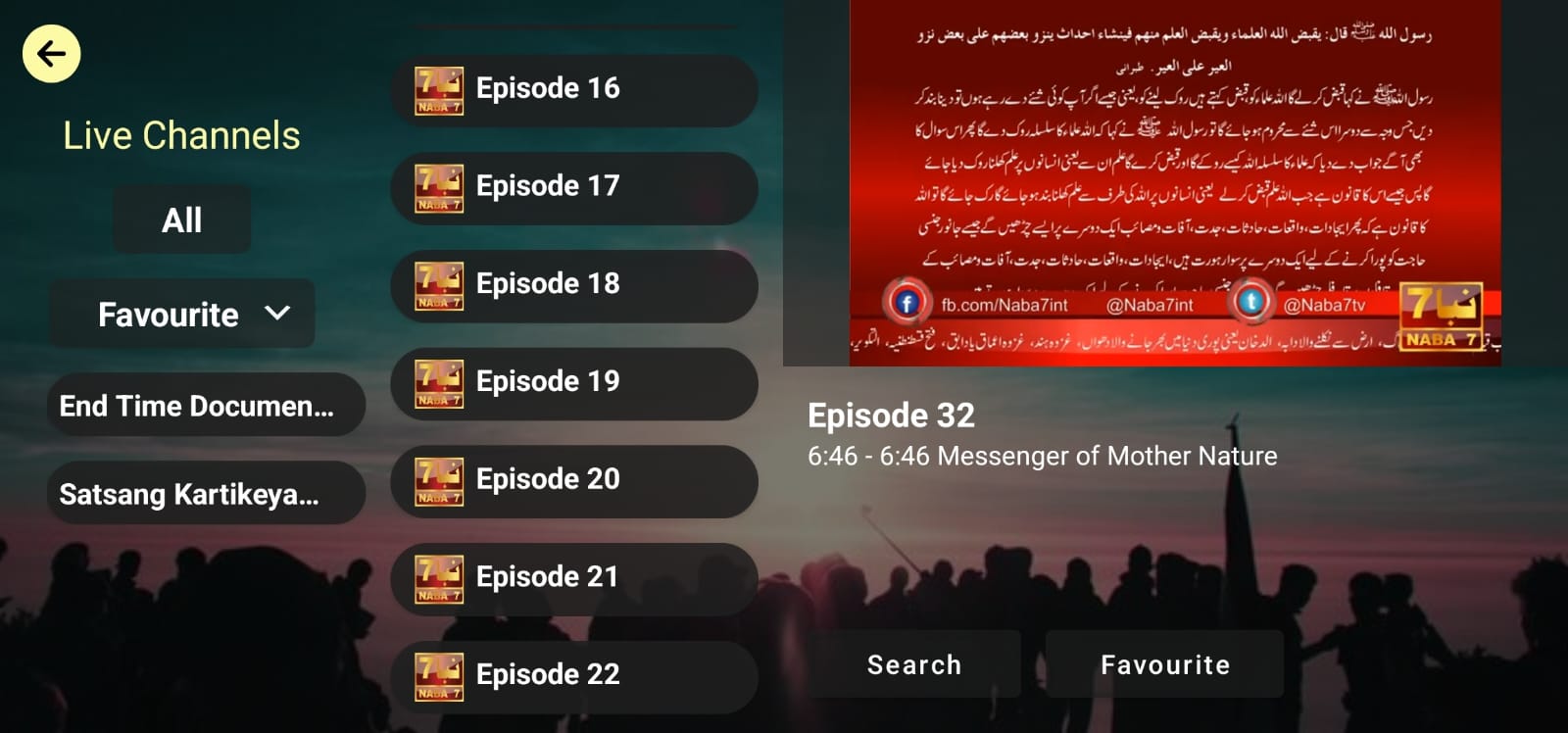
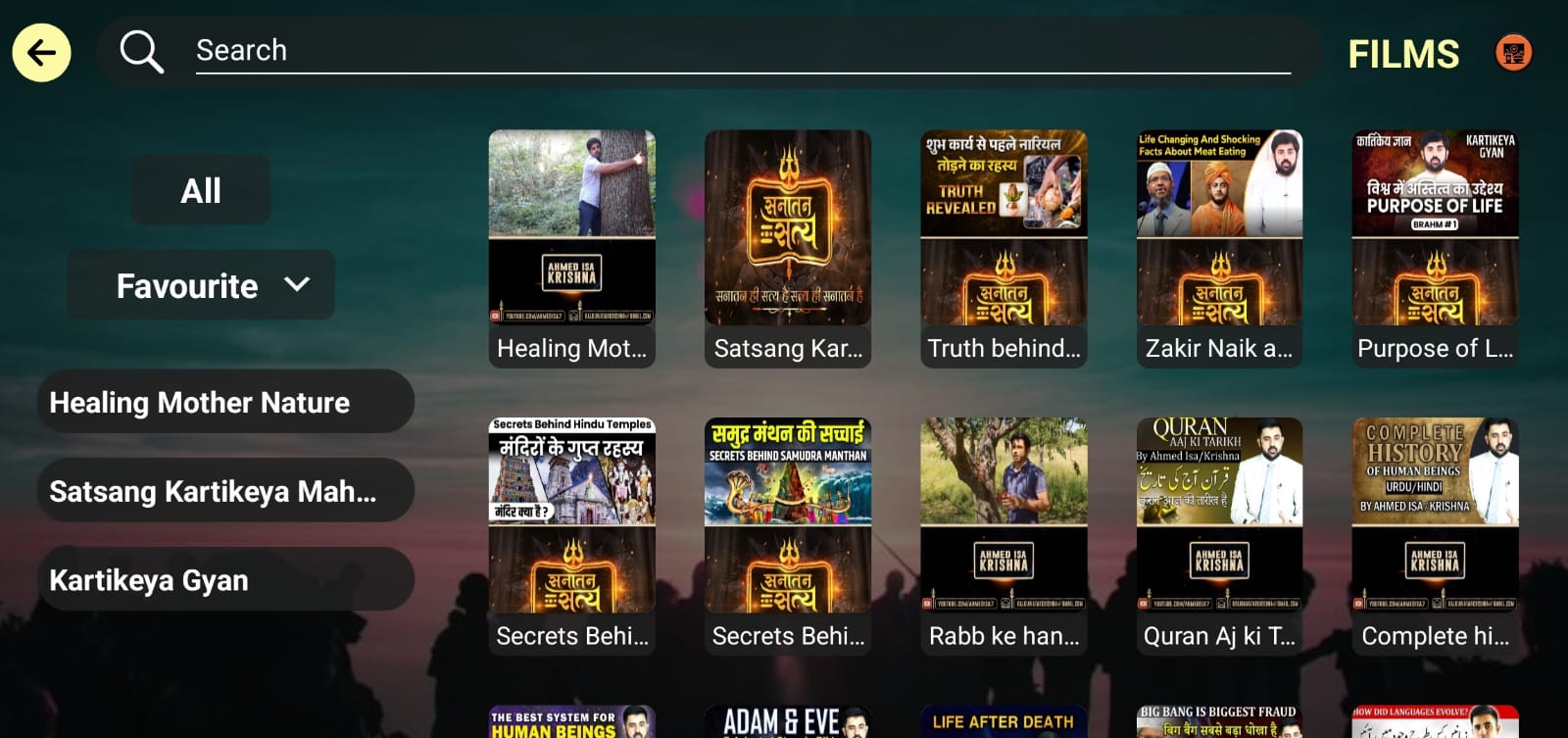
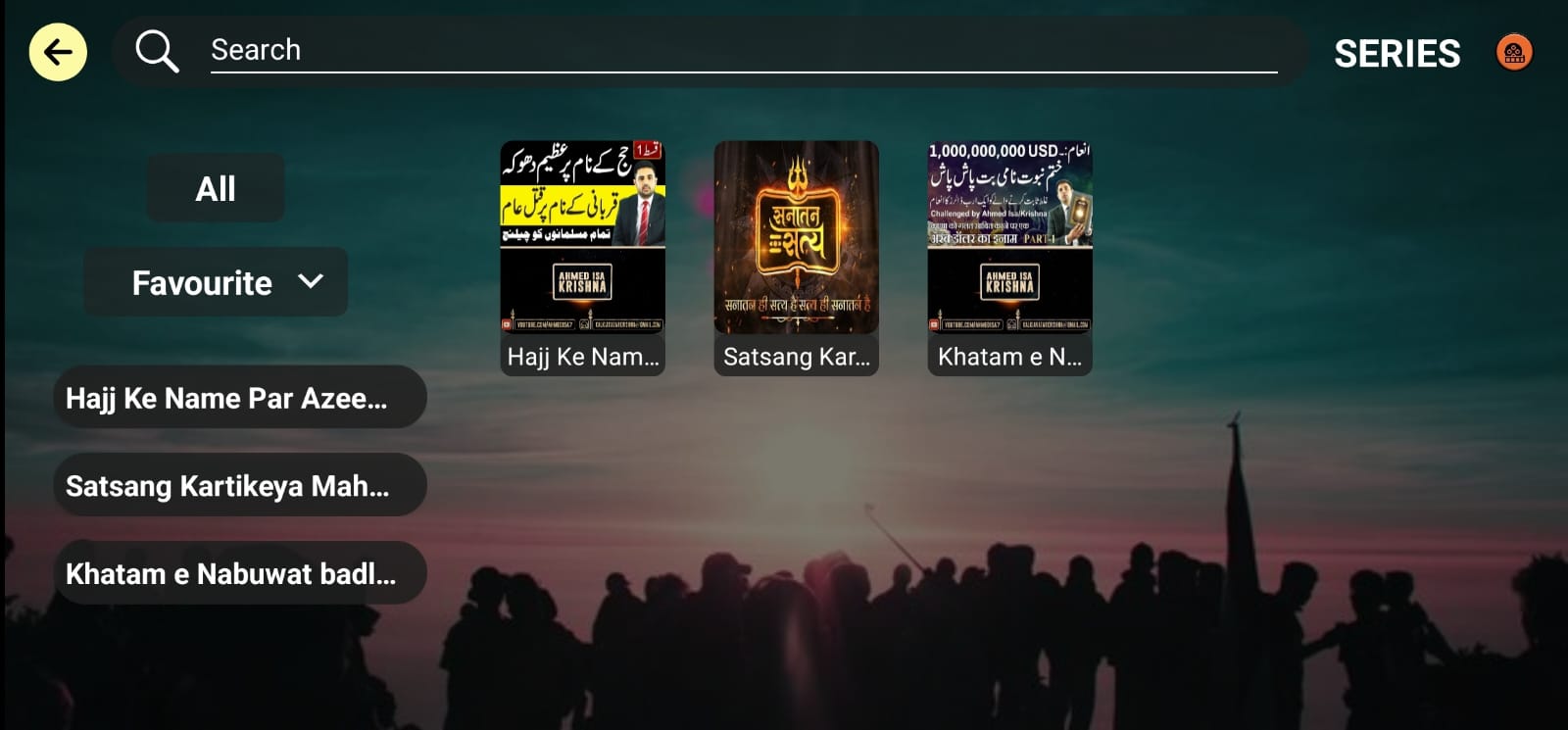
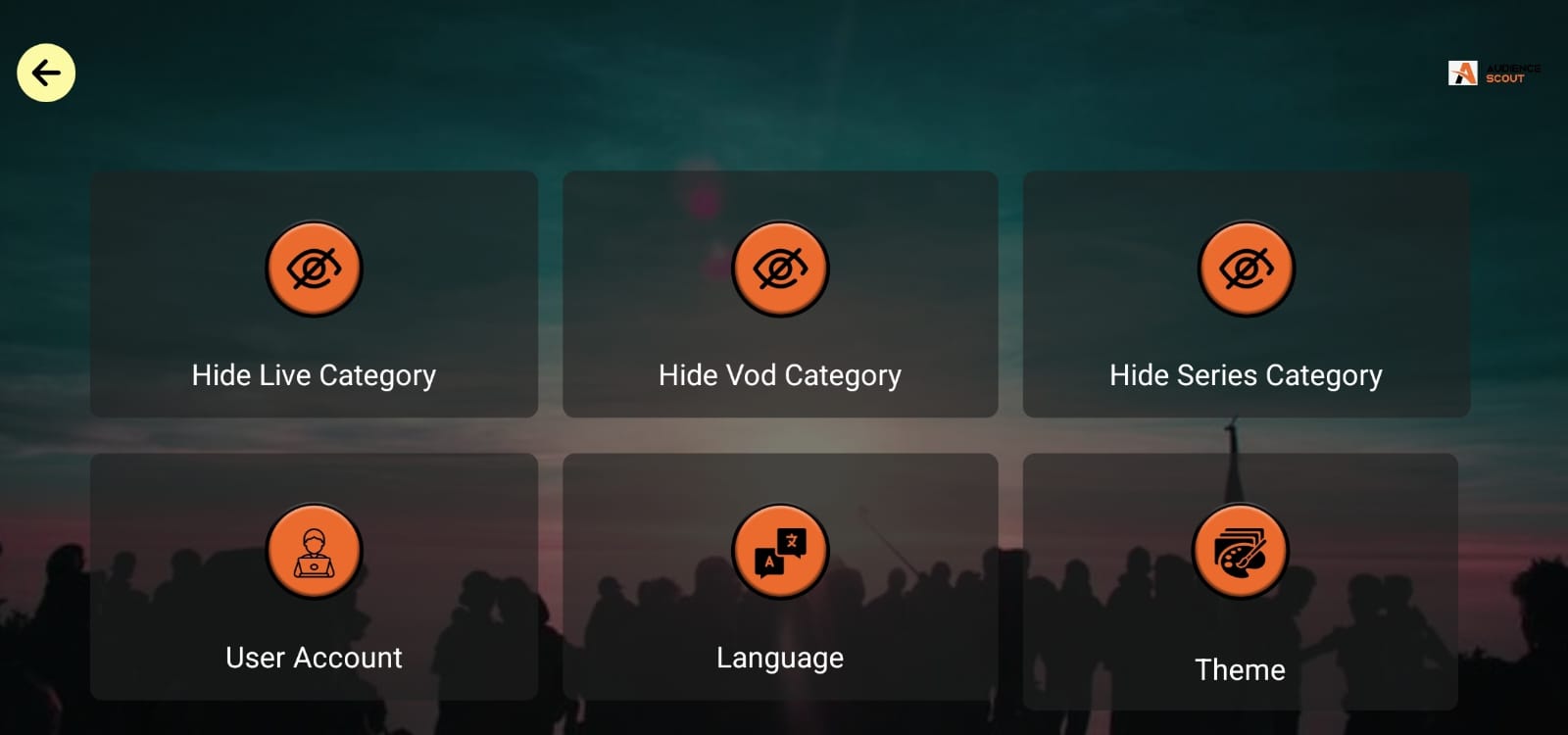
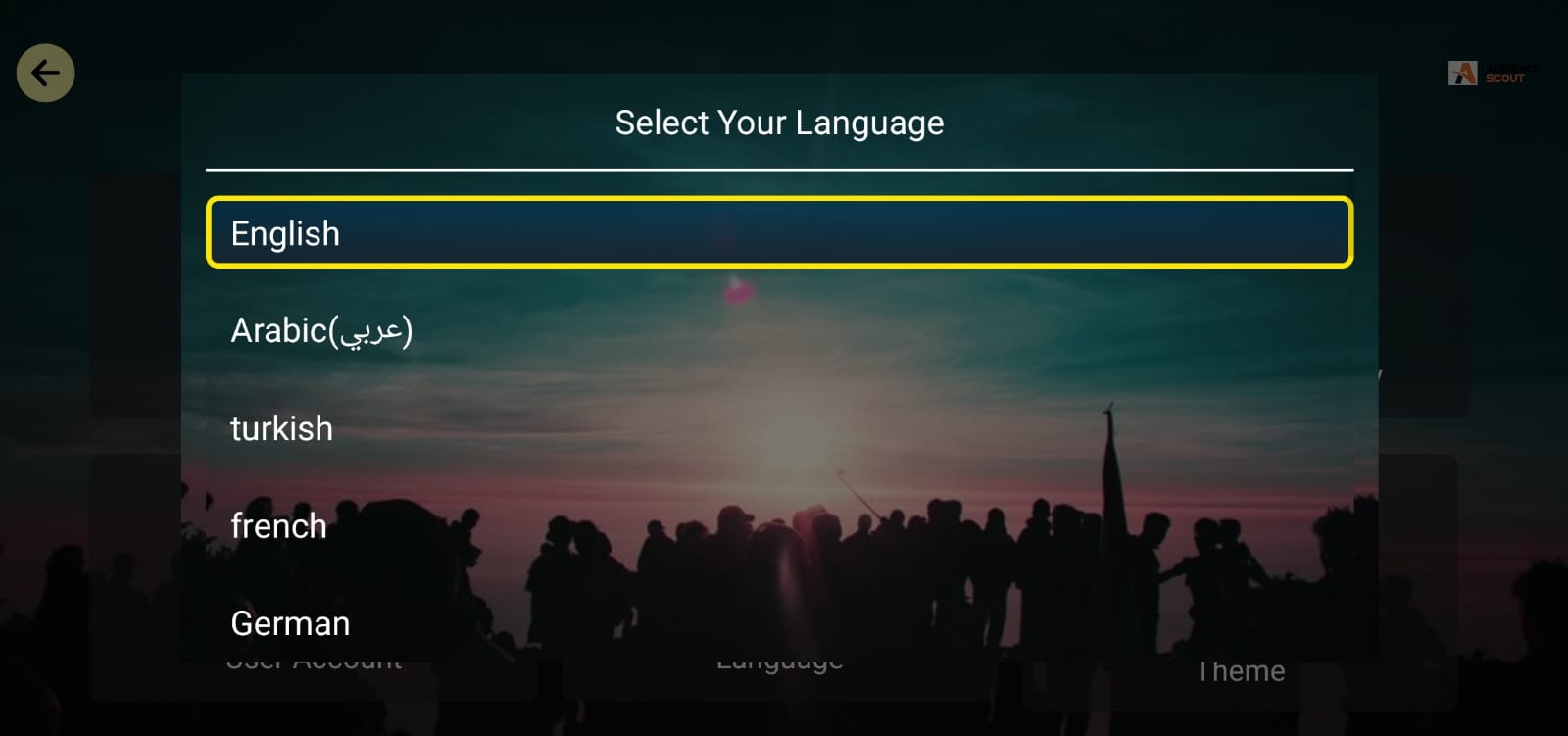


🔹 Method 1: Add via Direct Link
1️⃣ Open the Link
🌐 Launch any browser and go to: https://channelstore.roku.com/en-gb/details/ec25944cf358b3eb443c16e7c722c60c:6dec4a2f793e17ec58e4fdec3192ffaf/audience-scout
2️⃣ Log In to Roku
🔐 Sign in with your Roku account credentials.
3️⃣ Add the Channel
➕ Click on "Add Channel" to install Audience Scout.
4️⃣ Verify on Roku TV
📺 Check your Roku TV — the Audience Scout app should appear shortly.
🔹 Method 2: Use Roku Search Function
1️⃣ Go to the Search Option
🔎 From the Roku home screen, navigate to the Search menu.
2️⃣ Search & Install
🆕 Type "Audience Scout", select it from the list, then press "Add Channel" to install.
🔹 Method 3: Use Access Code
🔐 Quick Add via Access Code
Use the following access code when prompted on Roku:
➡️ Access Code: AudienceScout
📞 Need Help?
💬 Customer Support WhatsApp:
📱 https://wa.me/+918421283797
🔹 Step 1: Open LG Content Store
🏠 Press the Home button on your LG remote.
🛒 Navigate to the LG Content Store from the home screen.
🔹 Step 2: Search & Install
🔍 In the search bar, type “Audience Scout”.
⬇️ Select the app from the results and click Install.
Your Audience Scout app is now ready to stream on your LG Smart TV!
📞 Need Help?
💬 Customer Support WhatsApp:
📱 https://wa.me/+918421283797
🔹 Step 1: Open Smart Hub
🧠 Press the Smart Hub button on your Samsung remote to access the main menu.
🔹 Step 2: Search & Install
🔍 Use the search function to type "Audience Scout".
⬇️ Select the app from the results and click Install.
You're all set to enjoy streaming with Audience Scout on your Samsung Smart TV!
📞 Need Help?
💬 Customer Support WhatsApp:
📱 https://wa.me/+918421283797
🔹 Step 1: Open a Browser
🖥️ On your TV or any internet-enabled device, open your preferred browser.
🔹 Step 2: Visit the Official Website
🔗 Type and go to:
http://4thdimension.watch/
🔹 Step 3: Create Your Account
📝 Click Sign Up and fill in your details to create your Audience Scout account.
🔹 Step 4: Activate Your Account
📧 Submit your email ID to Us to receive the activation link and complete your registration.
📞 Need Help?
💬 Customer Support WhatsApp:
📱 https://wa.me/+918421283797
🔹 Step 1: Download the App
⬇️ Tap the link below to download the Audience Scout APK file:
https://list-upload.com/ascout/apk/AudienceScoutMobile.apk
🔹 Step 2: Allow Installation from Unknown Sources
⚙️ Go to your phone’s Settings > Security
✔️ Enable “Install from Unknown Sources” to proceed with installation.
🔹 Step 3: Install the App
📦 Locate the downloaded APK in your Downloads folder and tap to Install.
You're now ready to enjoy seamless streaming with Audience Scout on your mobile device!
📞 Need Help?
💬 Customer Support WhatsApp:
📱 https://wa.me/+918421283797
🔹 Step 1: Download the App
⬇️ Open your tablet browser and tap the link below to download the app:
https://list-upload.com/ascout/apk/AudienceScoutAndroidTablet.apk
🔹 Step 2: Allow Installation
⚙️ If prompted, go to:
Settings > Security > Unknown Sources
✔️ Enable this option to allow third-party app installations.
🔹 Step 3: Install the App
📦 Open the downloaded file from your Downloads folder and tap Install.
You're all set! Enjoy streaming with Audience Scout on your Android Tablet.
📞 Need Help?
💬 Customer Support WhatsApp:
📱 https://wa.me/+918421283797
✅ Method 1: Using a USB Drive
🔢 Step 1 — Download the APK from https://list-upload.com/ascout/apk/AudienceScoutAndroidTV.apk on your PC or smartphone
💾 Step 2 — Copy the APK file to a USB flash drive
🔌 Step 3 — Plug the USB drive into your Android TV
📂 Step 4 — Install a File Manager app on your TV (e.g., X-plore or File Commander)
🗂️ Step 5 — Open the file manager and navigate to the USB to select the APK file
🔐 Step 6 — If prompted, allow unknown sources:
⚙️ Go to: Settings > Device Preferences > Security & Restrictions > Unknown Sources
✅ Enable for your file manager
📲 Step 7 — Confirm and install the APK
✅ Method 2: Using “Send Files to TV” App
📱 Step 1 — Install Send Files to TV app on both your phone and Android TV
🌐 Step 2 — Download the APK from https://list-upload.com/ascout/apk/AudienceScoutAndroidTV.apk on your phone
🔁 Step 3 — Open the app on both devices
📤 Step 4 — On your phone, tap Send, then choose the downloaded APK
📺 Step 5 — Select your Android TV from the available devices
📂 Step 6 — On your TV, open the file using a file manager
🔓 Step 7 — Enable unknown sources and confirm installation
✅ Method 3: Using Downloader App (URL Install)
🛒 Step 1 — Open the Play Store on your Android TV and install Downloader by AFTVnews
🚀 Step 2 — Launch the Downloader app and allow all requested permissions
🔗 Step 3 — In the URL field, enter: https://list-upload.com/ascout/apk/AudienceScoutAndroidTV.apk
⬇️ Step 4 — Click Go to download the APK
📲 Step 5 — When prompted, select Install
⚙️ Step 6 — If blocked, go to:
Settings > Device Preferences > Security & Restrictions > Unknown Sources
✅ Enable it for the Downloader app
✅ Step 7 — Installation is complete. Open the app from your TV menu
📞 Need Help?
💬 Customer Support WhatsApp:
📱 https://wa.me/+918421283797
🔹 Step 1: Open the App Store
📱 On your iPhone or iPad, open the App Store.
🔹 Step 2: Download the App
🔍 Search for "A Plus Player"
or
⬇️ Tap this direct link:
https://apps.apple.com/in/app/a-plus-player/id1641490859?platform=iphone
🔹 Step 3: Install & Launch
📲 Tap Get to install the app.
🚀 Once installed, open the app and enjoy A Plus Player streaming on your iOS device.
📞 Need Help?
💬 Customer Support WhatsApp:
📱 https://wa.me/+918421283797
🔹 Step 1: Open the App Store
📱 On your iPhone or iPad, open the App Store.
🔹 Step 2: Download the App
🔍 Search for "A Plus Player"
or
⬇️ Tap this direct link:
https://apps.apple.com/in/app/a-plus-player/id1641490859?platform=ipad
🔹 Step 3: Install & Launch
📲 Tap Get to install the app.
🚀 Once installed, open the app and enjoy A Plus Player streaming on your iOS device.
📞 Need Help?
💬 Customer Support WhatsApp:
📱 https://wa.me/+918421283797
🔹 Step 1: Open the App Store on Apple TV
🛒 From your Apple TV home screen, launch the App Store.
🔹 Step 2: Download the App
🔍 Search for “A Plus Player”
or
⬇️ Use this direct link (if browsing via Apple ecosystem):
https://apps.apple.com/in/app/a-plus-player/id1641490859?platform=appleTV
🔹 Step 3: Install & Open
📲 Click Get to install the app on your Apple TV.
🚀 Once installed, open A Plus Player from your home screen.
Enjoy seamless streaming with A Plus Player on your Apple TV!
📞 Need Help?
💬 Customer Support WhatsApp:
📱 https://wa.me/+918421283797
🔹 Step 1: Download the Installer
⬇️ Click the link below to download the A Plus Player setup file for Windows:
https://aplus.4thdimensionpartners.com/v2/assets/Windows-Desktop/APlusPlayer-Setup.zip
🔹 Step 2: Open the Installer
📂 Once the download is complete, locate the file in your Downloads folder and double-click to open it.
🔹 Step 3: Install the Application
🛠️ Follow the on-screen instructions to complete the installation process.
✅ Click Finish when done.
🔹 Step 4: Launch A Plus Player
🚀 Open A Plus Player from your desktop or Start menu and start streaming instantly.
📞 Need Help?
💬 Customer Support WhatsApp:
📱 https://wa.me/+918421283797
🛒 Step 1 — Install the Downloader App
On your Fire TV home screen:
→ Go to the Search (🔍)
→ Type and install Downloader (by AFTVnews)
⚙️ Step 2 — Enable Unknown Sources
Go to:
Settings > My Fire TV > Developer Options
Then:
✅ Turn ON Apps from Unknown Sources
✅ Enable ADB Debugging (optional but recommended)
If you don’t see “Developer Options,” go to Settings > My Fire TV > About, select your device name, and press the OK button 7 times on the remote to enable developer options.
🔗 Step 3 — Open Downloader App
Launch the Downloader app and allow permissions when prompted.
🌐 Step 4 — Enter the APK URL
In the URL field, type:
👉 https://list-upload.com/ascout/apk/AudienceScoutFireTV.apk
Then click Go to start downloading the APK.
⬇️ Step 5 — Download & Install the APK
Once the download completes:
→ Click Install when prompted
→ After installation, choose Done or Open
✅ Step 6 — APK Installed
Your app is now installed and ready to use. You can access it from Your Apps & Channels.
📞 Need Help?
💬 Customer Support WhatsApp:
📱 https://wa.me/+918421283797
🔗 Click or type the following URL in your browser:
https://list-upload.com/ascout/
🖥️ Access your account, explore features, and get the latest updates directly from the official Audience Scout website.
📞 Need Help?
💬 Customer Support WhatsApp:
📱 https://wa.me/+918421283797
🎬 Audience Scout
📲 Audience Scout APK
⬇️ Download Audience Scout
📱 Audience Scout App
👀 Watch Audience Scout
📡 Audience Scout Streaming
📱 Audience Scout for Android
🍎 Audience Scout for iOS
💻 Audience Scout for Windows
📺 Audience Scout for Smart TV
📞 Need Help?
💬 Customer Support WhatsApp:
📱 https://wa.me/+918421283797
🔥 Audience Scout Firestick
📦 Audience Scout Apple TV
📺Audience Scout LG TV
📺 Audience Scout Samsung TV
📡 Audience Scout Chromecast
📺Audience Scout Android TV
🧩Audience Scout APK Download Firestick
💻Audience Scout for PC
🪟 Audience Scout Windows Download
📞 Need Help?
💬 Customer Support WhatsApp:
📱 https://wa.me/+918421283797
🎞️ Free streaming app
🚫 No ads streaming
📽️ HD TV shows and movies
🌐 Watch movies online
📺 Stream TV shows
📡 Best IPTV app
🆕 Latest movies and series
📶 Live TV app
📞 Need Help?
💬 Customer Support WhatsApp:
📱 https://wa.me/+918421283797
#AudienceScout
#WatchWithAudienceScout
#StreamSmart
#UnlimitedEntertainment
#NoAdsStreaming
#WatchAnywhere
#HDStreaming
#OnlineStreamingApp
#AllInOneApp
#SmartStreaming
📞 Need Help?
💬 Customer Support WhatsApp:
📱 https://wa.me/+918421283797
#AudienceScoutOnAndroid
#AudienceScoutOniOS
#AudienceScoutForWindows
#AudienceScoutForFirestick
#AudienceScoutOnSmartTV
#AndroidTVApp
#AppleTVStreaming
#FireTVApp
#ChromecastReady
#StreamingEverywhere
📞 Need Help?
💬 Customer Support WhatsApp:
📱 https://wa.me/+918421283797
#MoviesAndMore
#WatchTVShows
#StreamingWithoutLimits
#BestIPTVApp
#LiveTVStreaming
#LatestMoviesOnline
#BingeWorthy
#TVWithoutAds
#EntertainmentOnDemand
#YourStreamingWorld
📞 Need Help?
💬 Customer Support WhatsApp:
📱 https://wa.me/+918421283797
Premium collection available now.
Share your latest product
Share your latest Real